Tunarus – Powerpoint Template: Build Presentations That Actually Connect
Most presentation templates look great in the preview but fall apart the moment you try to insert your own content. Images shift, text overflows, and suddenly the polished slide deck you imagined turns into a scramble to fix misaligned boxes and mismatched colors. Tunarus – Powerpoint Template solves that problem by handing you control over every visual element without forcing you to learn advanced design software. Whether you are pitching a business idea, teaching a class, or sharing a creative portfolio, this template lets you focus on your message while it handles the visual consistency.
What Tunarus – Powerpoint Template Actually Offers
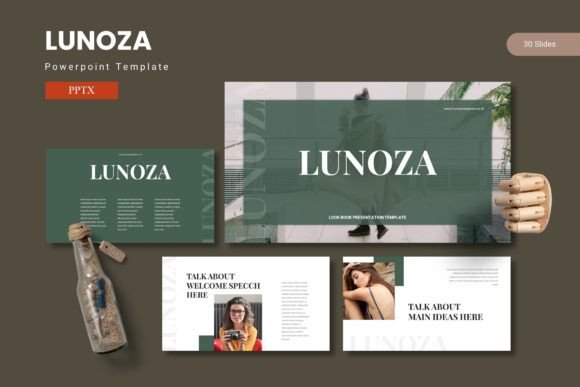
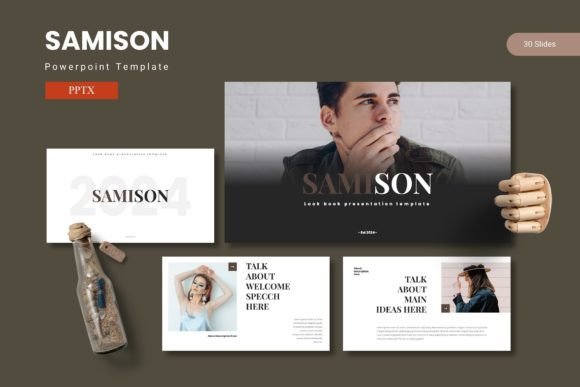
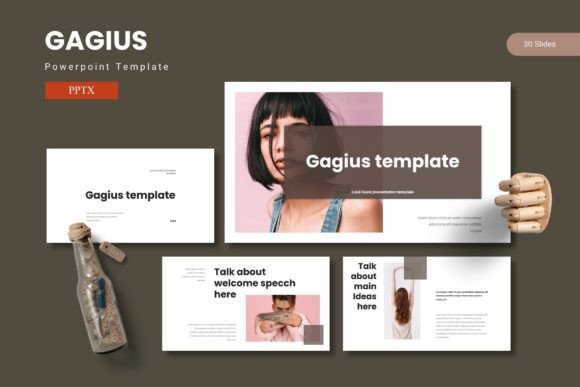
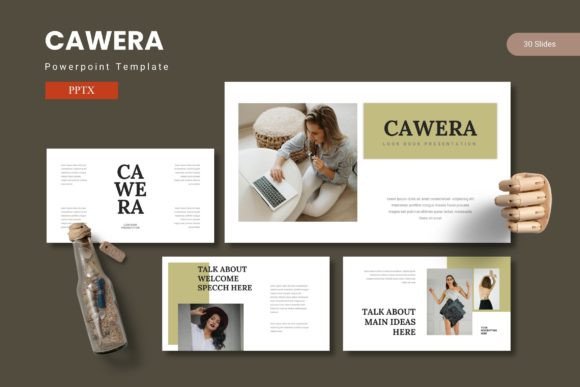
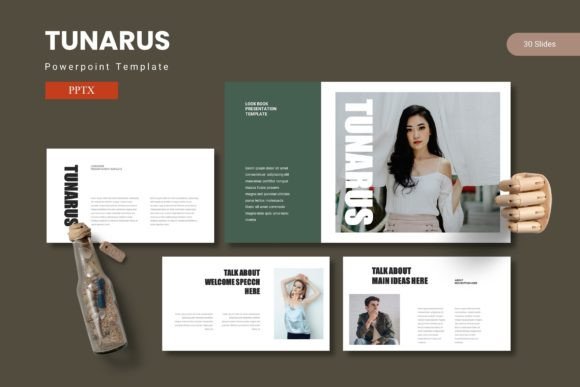
At its core, this template gives you 150 total slides spread across five premade color variations. That means you get 30 slides per color scheme, plus dedicated section break slides that help you organise your presentation into clear, digestible chapters. The infographics are handcrafted and built on master slides, so every chart, icon, and diagram stays editable no matter how much you customise it. Picture placeholders allow drag-and-drop image insertion, and the gallery and portfolio slides are ready for visual content right out of the box. The main file includes five PPTX PowerPoint items, each containing 30 slides, and the download folder comes with a readme file plus font and photo information to get you started.
Pitching a business idea to potential partners
Entrepreneurs and startup founders often have one shot at making a good impression. You might be standing in front of venture capitalists, angel investors, or potential co-founders who have seen hundreds of pitch decks. Tunarus helps you stand out without distracting from the numbers that matter. The data-driven slide layouts let you display revenue projections, market research, and user growth charts in a clean, readable format. Because the infographics are fully editable, you can adjust bar graphs and pie charts to reflect your actual metrics instead of relying on generic placeholder data. The section break slides also give you natural pause points to transition from problem to solution to business model without losing your audience.
Teaching a course or training a team
Educators and corporate trainers need slides that clarify concepts rather than confuse them. If you have ever tried to explain a complex process using default PowerPoint templates, you know how quickly students or employees tune out. Tunarus offers timeline infographics, comparison charts, and step-by-step visual aids that make abstract ideas concrete. For example, if you are walking a marketing team through a new content strategy, you can use the portfolio slide to showcase examples of successful campaigns and then switch to a data slide to show performance metrics. The five color variations also let you match the deck to your organisation’s branding, so the training feels cohesive rather than generic.
Creating a portfolio for freelance or creative work
Freelancers, photographers, designers, and artists often struggle to present their work in a way that feels professional without being overly complicated. Tunarus includes dedicated gallery and portfolio slides that prioritise visual content. You can drag and drop your best images into picture placeholders, add a short description, and move on. The layout keeps the focus on your work rather than on fancy transitions or cluttered backgrounds. When you send a portfolio deck to a potential client, they want to see your style and skill immediately. These slides let you do exactly that, with minimal effort on your end.
Preparing internal reports or quarterly reviews
Small business owners and department managers frequently need to present performance updates to stakeholders or leadership teams. These presentations must balance transparency with professionalism. Tunarus gives you the structure to report on KPIs, highlight wins, and address challenges without overwhelming your audience with text. The handcrafted infographics are especially useful for showing year-over-year comparisons, budget allocations, or team productivity trends. Since the template is based on master slides, you can update the data quickly before each meeting without rebuilding the entire deck from scratch.
Delivering workshops or community talks
Hobbyists, bloggers, and community leaders often give presentations at meetups, conferences, or local events. You do not have a design team backing you up, and you probably prepared the slides late at night after your regular work hours. Tunarus simplifies that process by offering premade layouts that look intentional rather than rushed. Whether you are teaching a photography workshop, leading a writing seminar, or presenting research at a local history group, the template adapts to your content. The font and photo information included in the download also helps you maintain a consistent visual tone without guessing which typefaces or images work together.
Marketers preparing client proposals
Marketing professionals often juggle multiple client accounts, each with its own brand guidelines. Tunarus gives you five color schemes to work with, so you can adapt the same basic layout for different clients without starting over. That saves hours of reformatting. The picture placeholders also make it easy to drop in screenshots, campaign visuals, or mockups, which is essential when you are selling a creative strategy. A proposal deck that looks customised to each client’s identity signals that you pay attention to details, and that builds trust early in the relationship.
Bloggers creating media kits or sponsored content decks
Bloggers and content creators are increasingly expected to present professional media kits to brands and sponsors. Tunarus helps you compile your audience demographics, engagement metrics, and past collaborations into a clean, scannable format. The gallery slides can showcase your best sponsored posts or brand partnerships, while the infographics highlight traffic growth or social media reach. A well-organised media kit can be the difference between landing a collaboration and being passed over, especially when brands are comparing multiple creators at once.
Freelancers pitching multi-service packages
If you offer several services like graphic design, copywriting, and social media management, your pitch deck needs to communicate the full scope of what you do. Tunarus allows you to dedicate sections to each service using the break slides for clear separation. You can use portfolio slides to show examples from each category, then close with a pricing comparison or a case study. This structure helps potential clients understand your value without feeling overwhelmed by a single long list of offerings.
Educators creating course materials for online platforms
Teachers who sell courses on platforms like Udemy or Skillshare need presentation materials that are self-explanatory and visually engaging. Tunarus works well for recorded lectures because the slides are clean and the infographics are easy to read on smaller screens. Since students often watch course videos on phones or tablets, the pixel-perfect illustrations ensure that charts and diagrams remain sharp. The drag-and-drop image feature also speeds up course creation, which matters when you are producing multiple modules under a tight deadline.
What to Consider Before Using Tunarus – Powerpoint Template
Before you download and start building your deck, take a moment to think about your specific presentation goals. Tunarus is a flexible template, but it works best when you have a clear structure in mind. If you are presenting a highly technical topic that requires custom diagrams or specialised data visualisations, you may need to modify the existing infographics rather than using them as-is. The master slide system makes editing straightforward, but you should budget some time to learn how the layout layers work, especially if you are new to PowerPoint templates.
Also consider the five color variations as a starting point rather than a limitation. While the premade schemes cover a range of moods from professional navy to creative coral, you can adjust individual slide colors to match your brand or personal preference. The readme file and font information included in the download folder are worth reading before you begin. They contain details about the recommended typefaces and where to source similar images if you want to replace the stock photos.
If you plan to collaborate with others on the presentation, the master slide structure ensures that changes you make propagate across the entire deck consistently. That is especially useful when a colleague needs to update a section without accidentally breaking the design. In team settings, that consistency prevents the awkward visual mismatches that often happen when multiple people edit the same file.
Why Tunarus – Powerpoint Template Works for Everyday Users
The real value of this template is not in the number of slides or the color variations, though those certainly help. It is the fact that you can create a professional-looking presentation in a fraction of the time it would take to build one from scratch. Whether you are a freelancer sending a pitch on a Friday afternoon or a small business owner preparing for a board meeting on Monday morning, you need a deck that looks intentional, not improvised. Tunarus gives you that foundation without demanding that you become a designer overnight.
The handcrafted infographics, resizable graphics, and picture placeholders all serve one purpose: letting you communicate your message without fighting the software. When the visuals fall into place easily, you can focus on what you actually want to say. That shift in focus is what makes a presentation memorable, not the fancy transitions or the number of slides. If you have ever spent more time tweaking font sizes than refining your talking points, you already understand why a reliable template matters.
In a world where first impressions often happen through a screen, having a presentation tool that respects your time and elevates your content is a practical advantage. Tunarus – Powerpoint Template delivers that advantage without the steep learning curve. It meets you where you are, whether you are a seasoned presenter or someone giving their first important talk, and helps you share your ideas with the confidence they deserve.