Operod PowerPoint Template
Presentations can make or break a pitch, a lesson, or a project update. When you need to communicate complex ideas clearly and keep an audience engaged, the visual backbone of your slides matters as much as the content itself. The Operod - Powerpoint Template offers a polished, data-friendly foundation that works across professional, educational, and creative contexts. Instead of starting from a blank slate or wrestling with inconsistent formatting, this template gives you a structured starting point that still leaves room for personalization.
What Makes Operod Stand Out
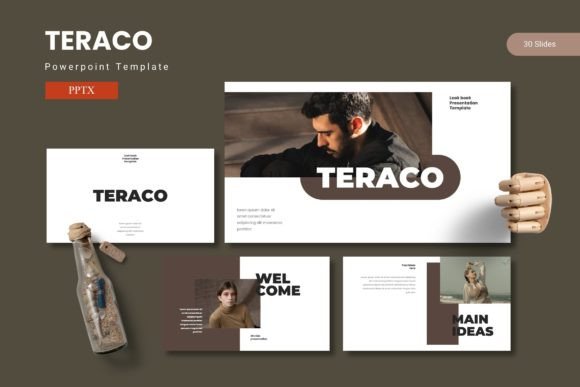
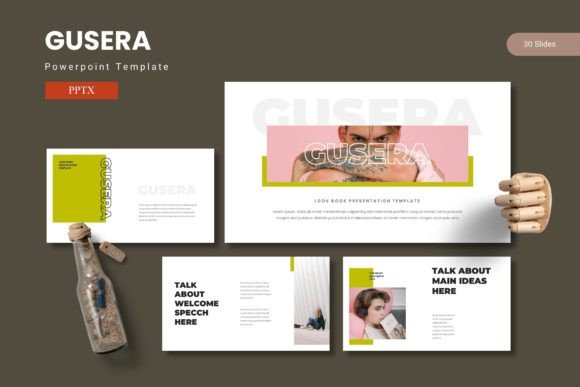
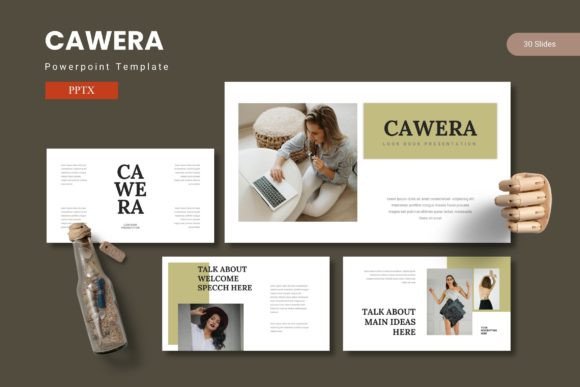
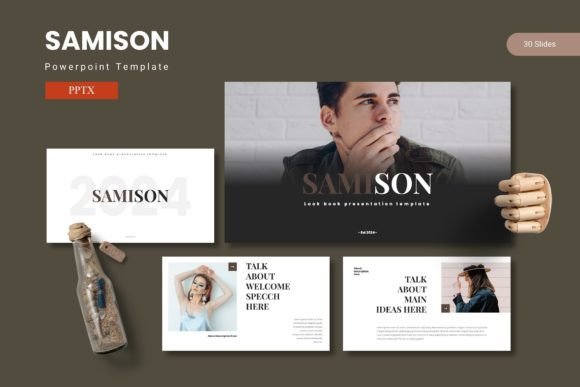
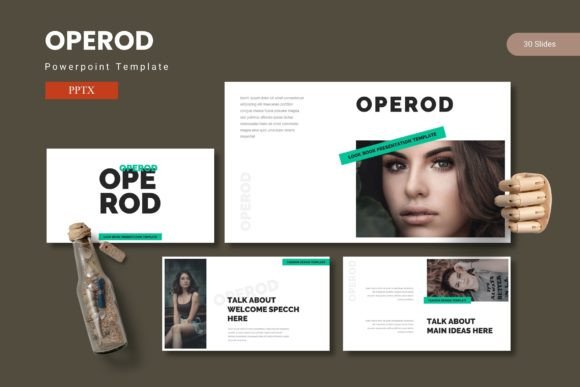
At its core, Operod is built around flexibility and visual clarity. With 150 total slides spread across five premade color variations, you get 30 slides per template set. That means you can use one color scheme for a corporate boardroom presentation and another for a creative portfolio without reworking the layout from scratch. The inclusion of section break slides and handcrafted infographics means your presentation can flow naturally from one topic to the next, with visual pauses that help audiences absorb information.
All graphics are pixel-perfect, resizable, and editable. This is not a locked-down template where you are stuck with placeholder images you cannot replace. Picture placeholders use a drag-and-drop system, so swapping out stock visuals for your own photos, screenshots, or logos takes seconds. The gallery and portfolio slides are particularly useful for creatives who need to showcase work without crowding the frame.
Key Features That Save Time and Improve Quality
Operod relies on master slides, which means any global change you make—like adjusting a font, swapping a color accent, or moving a footer—applies across all slides instantly. This is a huge time saver when you are fine-tuning a presentation the night before a meeting. The five color schemes come prebuilt, so you are not guessing which shades work well together. Each palette has been tested for contrast and readability, which matters whether you are projecting onto a large screen or sharing slides via PDF.
- 150 total slides, 30 per color set – Enough variety to cover long presentations without repeating the same layout.
- Section break slides – Help audiences mentally reset between major topics.
- Handcrafted infographics – Built on master slides for consistency and easy editing.
- Pixel-perfect, resizable graphics – No blurry images when you scale elements up or down.
- Drag-and-drop picture placeholders – Replace images quickly without breaking the layout.
- Gallery and portfolio slides – Designed to showcase multiple images or projects cleanly.
The template also includes a readme file with font and photo information, so you know exactly what you need to install or credit. This might seem like a small detail, but it saves the frustration of missing fonts or unclear licensing when you are under deadline.
Who Benefits Most from This Template
Entrepreneurs pitching to investors will appreciate the infographic slides for presenting financial projections or market data without cluttering the screen. Marketers can use the portfolio and gallery layouts to show campaign results, case studies, or product shots. Educators and trainers will find the section break slides useful for structuring long workshops or lecture series. Freelancers and creative professionals can maintain a consistent brand look across client presentations while still customizing colors per project.
Even if you are not a designer, the template guides you toward better visual communication. The slide layouts naturally emphasize key points, reduce text overload, and keep the focus on your message rather than the formatting. For internal team updates, the clean layouts help everyone scan and understand information quickly, which can cut meeting time and reduce follow-up questions.
Business and Corporate Use
In a corporate environment, consistency is king. Operod’s five color schemes allow different departments or brands within a larger organization to maintain distinct visual identities while using the same base template. Quarterly reviews, strategy presentations, and sales decks all benefit from the structured infographic slides that can display timelines, growth metrics, and comparison data. The section break slides also help when presenting a long annual report—you can group financials, operations, and future goals into clearly separated segments.
Creative Portfolios and Client Work
For graphic designers, photographers, and content creators, the gallery and portfolio slides are a standout feature. Instead of forcing images into rigid boxes, the layouts give each piece room to breathe. You can mix full-bleed images with smaller supporting shots, add captions without crowding, and maintain a professional look even if your portfolio spans diverse media types. The drag-and-drop image placeholders make it easy to swap out work for different client pitches.
Educational and Training Materials
Teachers and corporate trainers need to hold attention over extended periods. The section break slides act as natural pauses where you can recap, take questions, or transition to a new module. Infographics help explain processes, hierarchies, or data trends more clearly than bullet points alone. And because the template is editable, you can adapt it for different course levels—use more text-heavy slides for detailed handouts and sparse, image-focused slides for live presentations.
Digital Content and Social Media
Presentations often get repurposed into social media carousels, LinkedIn posts, or PDF downloads. Operod’s clean layouts translate well to digital formats because the text is legible at various sizes and the graphics remain sharp. You can export slides as images or PDFs and maintain a consistent brand look across platforms without redesigning from scratch.
Practical Considerations When Using Operod
Before you download, check that you have the fonts listed in the readme file. Some templates rely on free or premium fonts that require separate installation. If you are working within a corporate environment with strict font policies, verify compatibility ahead of time. The same goes for image licensing—while the template includes placeholders, any photos you add should be properly licensed for your use case.
Because the template uses master slides, take a few minutes to understand how they work before making edits. If you accidentally override a master layout instead of editing the individual slide, you might create formatting inconsistencies. The readme file included in the folder covers this, so do not skip it. A quick read-through can save you from redoing work later.
Another tip: when using the five color variations, pick one as your primary scheme and stick with it for a given presentation. Switching between color sets mid-deck can confuse the audience and weaken your visual narrative. Reserve alternate color schemes for different projects or clients rather than mixing them within the same file.
If you plan to collaborate with others on the presentation, set some ground rules about which slides to edit and which to leave as masters. This prevents accidental overwrites and keeps the design cohesive even when multiple people contribute content.
Final Observations
Operod - Powerpoint Template is not just a collection of pretty slides. It is a practical tool designed to reduce the friction between having an idea and presenting it well. The combination of prebuilt color schemes, editable infographics, and drag-and-drop placeholders means you spend less time formatting and more time refining your message. For professionals, educators, and creatives who give presentations regularly, having a reliable template set like this can improve both the speed of your workflow and the quality of your output.
Whether you are preparing a pitch deck for potential investors, building a portfolio to attract new clients, or structuring a training module for your team, the template gives you a solid foundation. The real value lies in how it adapts to your content rather than forcing your content into a rigid format. If you have struggled with presentations that feel cluttered, inconsistent, or time-consuming to build, Operod offers a straightforward solution that respects both your time and your audience’s attention.