Anuros Google Slide Template for Polished Presentations
Putting together a presentation that holds attention and communicates ideas clearly is rarely straightforward. You need visuals that support your message, a flow that guides viewers naturally, and layouts that adapt to different types of content—whether that is a project update, a marketing pitch, or an educational module. The Anuros Google Slide Template aims to address these needs by offering a broad set of slides across multiple color schemes, all built to be modified without requiring design expertise. Understanding how this template works, what it includes, and where it fits best can help you decide whether it is the right tool for your next project.
What the Anuros Template Brings to Your Workflow
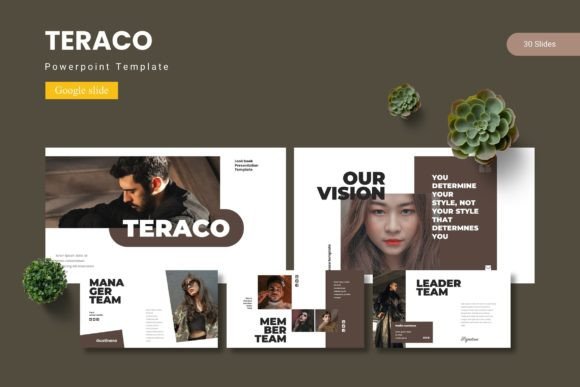
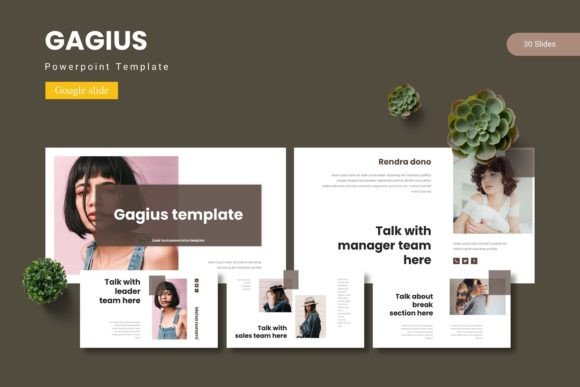
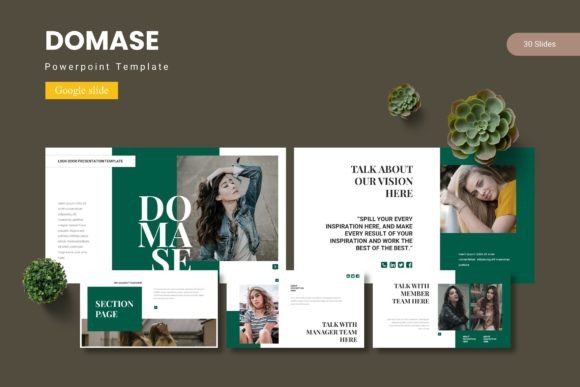
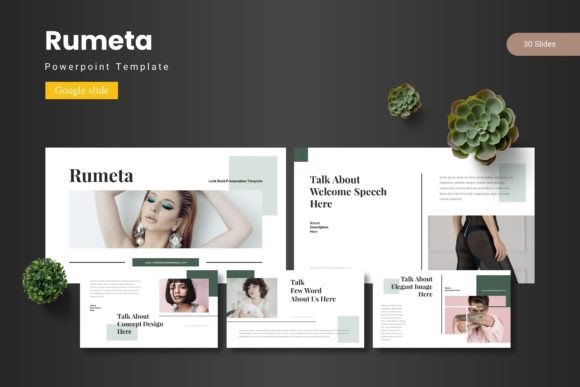
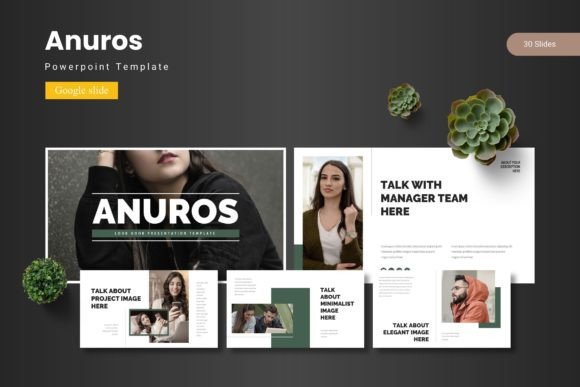
At its core, the Anuros Google Slide Template provides a structured yet flexible foundation for building presentations entirely within Google Slides. With 150 slides spread across five color variations, you have a substantial library to draw from without needing to start from scratch each time. Each color set includes 30 slides, giving you enough variety to maintain visual consistency throughout longer decks while still allowing for distinct sections or topic changes.
The template includes section break slides, which are helpful for separating major parts of your presentation. Instead of jumping abruptly from one topic to another, a section break slide gives your audience a moment to reset and prepares them for what comes next. This small structural element can improve the pacing of your presentation and make it easier for viewers to follow along.
Designed for Practical Customization
One of the stronger aspects of Anuros is how it handles customization. All graphics are resizable and editable, meaning you can adjust elements to fit your specific content rather than forcing your content into pre-set boxes. Picture placeholders allow drag-and-drop image insertion, which saves time when you are working with multiple visuals. The template is based on master slides, so any changes you make to the master will apply consistently across the entire deck. This is especially useful when you need to update fonts, colors, or positioning across many slides at once.
For someone who regularly creates presentations, this kind of flexibility reduces repetitive work. You are not stuck modifying each slide individually. Instead, you set your preferences once, and the template carries those choices through. This can be a genuine time-saver when you are working under tight deadlines or juggling multiple projects.
Handcrafted Infographics and Pixel-Perfect Details
Visual communication often depends on how well you can present data or processes. The handcrafted infographics included in Anuros give you pre-built options for displaying statistics, timelines, comparisons, and workflows without requiring you to design them from scratch. These infographics are based on master slides, so they remain editable and scalable. You can adjust colors, resize elements, and swap out placeholder text to match your specific information.
The illustrations are described as pixel-perfect, which speaks to the attention given to alignment, spacing, and proportions. When you place an image or graphic next to text, the visual relationship matters. Poorly aligned elements can make even good content look sloppy. With this template, the foundational layouts are already balanced, so you can focus on what your slides say rather than how they are arranged.
Gallery and Portfolio Slides for Visual Content
If your work involves showcasing images, projects, or creative work, the gallery and portfolio slide layouts are worth noting. These slides are designed to display multiple visuals in a clean, organized way. Rather than cramming images into generic text-heavy layouts, you have dedicated spaces that let the visuals stand out. This can be especially valuable for photographers, designers, architects, real estate professionals, or anyone who needs to present a body of work clearly.
The drag-and-drop picture placeholders make it simple to update these slides with new images. You can prepare a portfolio presentation, swap out images for different clients, or reuse the same layout structure across multiple projects with minimal effort.
Who Benefits Most from This Template
The Anuros Google Slide Template is built for a fairly wide audience, but certain user groups may find it especially practical. Professionals who prepare regular reports, updates, or proposals will appreciate the variety of slide types and the ease of maintaining a consistent look. Marketers and entrepreneurs who need to create pitch decks or client-facing materials can use the template to produce polished presentations without relying on a design team. Educators and trainers may find the section breaks and infographic slides useful for structuring course content or workshop materials.
Freelancers and small business owners often have to wear multiple hats, including creating their own presentation materials. Having a template that is both comprehensive and easy to modify reduces the time spent on formatting, which frees up time for the actual content. Bloggers and publishers who present data or summaries in digital formats may also find the template useful for creating slide decks that accompany written articles or video content.
For hobbyists who occasionally need to present something—whether it is a club meeting, a community event, or a personal project—the template lowers the barrier to creating something that looks intentional and well-organized. You do not need to be a designer to get good results.
Practical Use Cases and Recommendations
Think about a scenario where you need to deliver a quarterly business review. You have data to present, team achievements to highlight, and goals for the next quarter to outline. Using the Anuros template, you could assign a different color variation to each section: one color for the financial summary, another for project milestones, and a third for upcoming initiatives. The section break slides would help signal each transition, and the infographic slides could display growth metrics or comparison charts. The gallery slides could showcase product photos or team photos if relevant.
Another example is a workshop for professionals where you need to balance instructional content with group activities. The template gives you room for text-heavy slides with clear headings, as well as visual slides that break up the monotony. You could use the picture placeholders to insert diagrams, screenshots, or process flows, and the infographics to summarize key takeaways. The result is a deck that feels less like a document and more like a guided experience.
If you are a freelancer pitching to a potential client, a clean and professional presentation can set you apart. Using the Anuros template, you can quickly put together a deck that introduces your services, showcases past work with portfolio slides, and outlines your process using infographic layouts. The consistent color scheme across slides reinforces your personal brand, and the editable graphics allow you to tailor each slide to the specific client.
For educators, the template can support lecture slides, course overviews, and student-facing materials. The section breaks help segment different topics within a single session, and the drag-and-drop placeholders make it easy to include diagrams, photos, or embedded notes. The five color variations could even be used to differentiate modules or semesters.
Considerations and Fit
No single template fits every situation perfectly, and Anuros is no exception. With 150 slides across five color schemes, there is a lot to work with. However, that volume can feel overwhelming if you prefer a more minimal starting point. You may need to spend some time deleting slides you do not need or selecting which color scheme to use for a given project. The template is designed for Google Slides, which is a cloud-based tool. If your workflow depends heavily on PowerPoint or Keynote, you would need to convert the files, and some formatting may shift during the process.
The main file includes five PPTX items from Google Slides, along with a readme file and font and photo information. Make sure you have the fonts referenced in the template or suitable alternatives, as missing fonts can alter the intended appearance. The template relies on placeholders, so you will need your own images and content. It is not a plug-and-play solution where you just add a title and present—you still have to populate it with your own material. That said, the structure is there to support you, not to do the work for you.
If your presentations are highly data-heavy and require complex charts or embedded analytics, you may find that the infographic slides work best as summaries rather than detailed data tables. In those cases, you might supplement the template with additional slides or external charts. Similarly, if your brand requires very specific typography or color values that differ from the five included schemes, you will need to adjust the template accordingly. The master slide structure makes this manageable, but it does require upfront setup.
Making the Most of the Template
To get the best results with the Anuros Google Slide Template, start by reviewing all five color schemes and choosing one that aligns with your presentation topic or your brand identity. Then, go through the 30 slides in that set and select the layouts that match your content needs. Remove the rest to keep your workspace clean. Customize the master slides with your preferred fonts and any recurring elements such as logos or footers. Once the foundation is set, populate each slide with your own text and images using the drag-and-drop placeholders.
If you plan to reuse the template for different presentations, consider saving your customized version as a separate file. That way, you preserve your adjustments and can branch off for future projects without repeating the setup work. The five color variations also give you the option to maintain different visual identities for different types of content or audiences.
Final Thoughts on the Anuros Google Slide Template
The Anuros Google Slide Template offers a substantial and thoughtfully organized set of slides for anyone who regularly creates presentations in Google Slides. With 150 slides across five colors, handcrafted infographics, pixel-perfect illustrations, and drag-and-drop picture placeholders, it provides both depth and flexibility. The section break slides, gallery layouts, and master slide compatibility make it suitable for a range of professional and personal contexts. While it requires investment in setup and customization, the payoff is a consistent, polished presentation that saves time over building from scratch each time. For professionals, creators, educators, and small business owners looking for a reliable template that adapts to their content rather than the other way around, Anuros is worth considering.