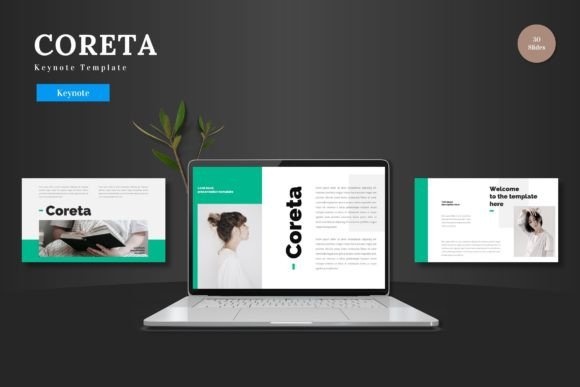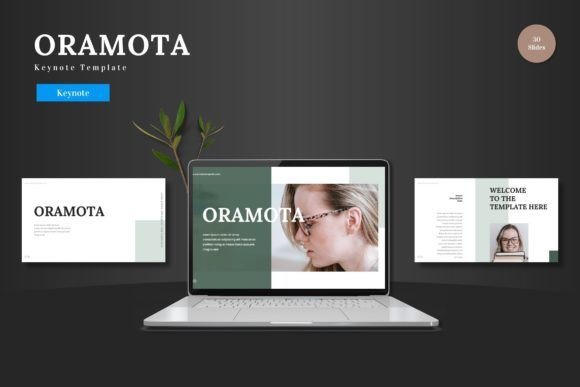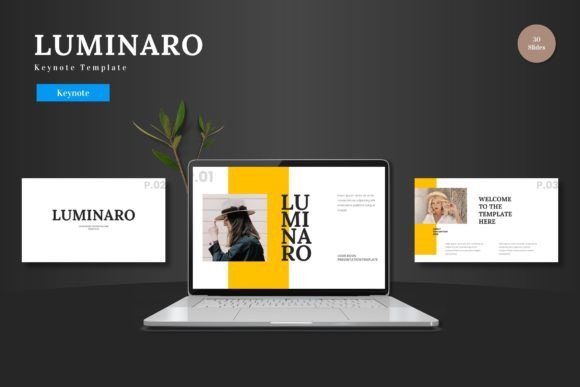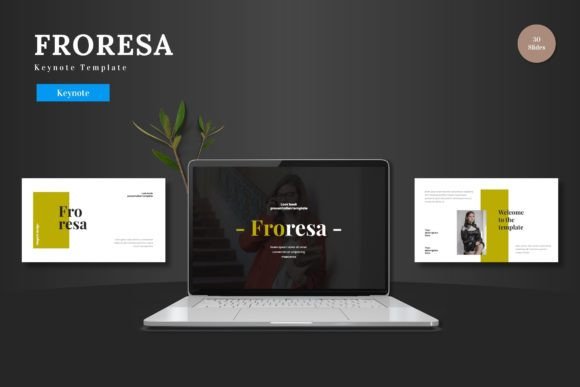
Oculox Keynote Template – A Versatile Design Tool for Professionals
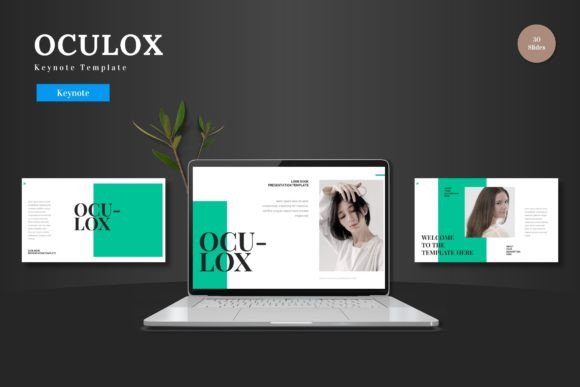
If you have ever found yourself staring at a blank slide, struggling to translate a solid idea into a polished presentation, you already know the value of a strong starting point. The Oculox - Keynote Template is built to remove that friction. It gives you 150 total slides across five premade color variations, each designed to keep your content looking cohesive without demanding hours of manual formatting. Whether you are pitching to investors, teaching a course, or sharing a portfolio with a client, this template offers a structure that lets your message take center stage.
What Makes Oculox Stand Out
Oculox is not just another set of slides with a few placeholder boxes. It is a fully crafted system. The template includes 30 slides per color scheme, plus dedicated section break slides, so your presentation flows naturally from one topic to the next. The handcrafted infographics are particularly useful if you work with data or processes. Instead of building charts and diagrams from scratch, you get pixel-perfect illustrations that are fully resizable and editable. That means you can adjust colors, resize elements, or reorder graphics without worrying about breaking the design.
Master Slides and Consistent Formatting
One of the standout features is the use of master slides. If you have ever had to manually update a font or color across a 50-slide deck, you know how tedious it can be. With Oculox, you make those changes once in the master slide, and every slide updates automatically. This saves time and ensures that your presentation remains consistent from start to finish. The template also includes picture placeholders with a simple drag-and-drop workflow, so swapping images takes seconds.
Five Color Variations for Different Contexts
Not every presentation calls for the same palette. The five color schemes included in Oculox give you flexibility without requiring design expertise. You might use a neutral, professional scheme for a corporate boardroom, a bolder palette for a creative pitch, or a softer set for an educational workshop. Each variation is fully applied across all slides, so you can switch between them and maintain a unified look. This is especially valuable if you present to different audiences regularly and want to tailor the tone without rebuilding your deck.
Real-World Applications Across Fields
The Oculox template is versatile enough to serve a wide range of professionals. Here are a few scenarios where it shines.
Business Pitches and Investor Decks
When you are presenting to potential investors or stakeholders, every detail matters. A cluttered or inconsistent slide deck can undermine even the strongest business case. Oculox provides clean layouts, clear hierarchy, and plenty of room for key metrics, charts, and infographics. The section break slides help you transition from your market analysis to your financial projections without losing momentum. You can pull in your own data, adjust the infographics to reflect your growth figures, and have a polished deck ready in a fraction of the time it would take to design from scratch.
Educational Content and Workshops
Educators and trainers often need to break complex topics into digestible pieces. The 30-slide templates for each color scheme give you enough room to build a comprehensive lesson without feeling repetitive. You can use the gallery and portfolio slides to showcase examples, and the infographics to explain processes step by step. Because the template is based on master slides, you can also adapt the same deck for different course levels simply by tweaking the content and swapping the color scheme.
Creative Portfolios and Client Presentations
Freelancers and creative professionals need presentations that reflect their visual sensibility. Oculox offers pixel-perfect illustrations and a clean, modern aesthetic that works well for portfolios. The picture placeholders make it easy to drop in your best work, whether it is photography, design samples, or video stills. The gallery slides are particularly effective when you need to show multiple pieces in a single view without overcrowding the slide. And because every graphic is resizable, you can adjust the layout to fit landscape or portrait orientation if you need to export for different formats.
Internal Team Updates and Project Reviews
For team leads and managers, the efficiency of Oculox becomes apparent in recurring meetings. You can set up a master template for weekly status updates or quarterly reviews. Once the structure is in place, you simply update the content each cycle. The drag-and-drop image placeholders and editable infographics let you incorporate screenshots, charts, and timelines quickly. This reduces the time you spend on slide preparation and allows you to focus on the actual discussion.
Usability and Practical Benefits
Templates are only useful if they make your life easier, not harder. Oculox is designed with that principle in mind. The file organization is straightforward. The main folder includes five Keynote files, each corresponding to a color scheme, along with a ReadMe First document and information about fonts and photos. This means you can start working immediately without hunting for missing assets.
Efficiency Gains
For anyone who builds presentations regularly, the time savings add up quickly. Instead of formatting text boxes, aligning graphics, or choosing color palettes, you focus on your content. The 150 total slides give you a wide variety of layouts, so you are rarely forced to adapt a slide that does not quite fit your message. The section break slides also help you organize your deck logically, which improves both your flow and your audience's comprehension.
Branding and Consistency
If you present on behalf of a company or personal brand, consistency is critical. Oculox allows you to apply your brand colors and fonts across the entire deck. Because the template uses master slides, you only need to update those settings once. This ensures that your logo placement, color usage, and typography remain uniform throughout your presentation. It also makes it easier to maintain that consistency across multiple decks over time.
Visual Engagement Without Overwhelm
Good design strikes a balance between visual interest and readability. Oculox achieves this by using clean layouts, ample whitespace, and strategic use of graphics. The infographics are handcrafted, which means they are designed to communicate information clearly rather than just decorate a slide. This is especially important if your audience includes non-experts who need to grasp complex ideas quickly. The pixel-perfect illustrations also ensure that your slides look sharp on any screen, from a laptop to a large projector.
Practical Considerations When Using Oculox
While the template is user-friendly, a few practical tips can help you get the most out of it.
Font and Image Management
The template uses specific fonts, and the ReadMe First file includes details about those fonts and where to find them. Before you start building your deck, make sure you have the fonts installed on your system. This prevents any unwelcome surprises when you open the file or share it with collaborators. Similarly, the photo placeholders expect high-resolution images. For best results, use images that are at least 1920 pixels wide. The template will scale them down, but starting with high-quality source files ensures your visuals remain crisp.
Customization Without Breaking the Design
Because Oculox is built on master slides, it is easy to customize without accidentally breaking the layout. Stick to editing content in the regular slide view, and only modify master slides if you want to change global elements like background colors or header styles. If you need to resize a graphic, use the corner handles to maintain proportions. The template is designed to be forgiving, but a little care goes a long way.
Choosing the Right Color Scheme for Your Audience
The five color variations give you options, but not every scheme will suit every context. For formal business settings, stick with the more subdued schemes. For creative or educational audiences, you can experiment with bolder palettes. If you are unsure, start with the neutral scheme and adjust from there. You can always switch to a different variation later if the tone does not feel right.
Final Thoughts on Oculox
The Oculox - Keynote Template is a practical tool for anyone who needs to create professional presentations without spending excessive time on design. Its strength lies in the combination of quantity and quality. With 150 slides across five color variations, you have enough options to cover most presentation scenarios. The master slide structure, editable graphics, and straightforward file organization make it accessible even if you do not have a design background.
Whether you are a marketer building a campaign deck, an educator preparing a semester's worth of lectures, or a business owner pitching to potential partners, Oculox provides a foundation that lets your content shine. The real value is not just in the polished slides you deliver but in the hours you save behind the scenes. And in a world where your audience's attention is limited, having a clear, consistent, and visually engaging presentation can make all the difference.