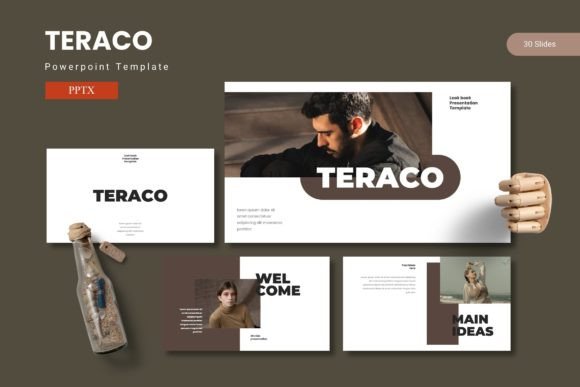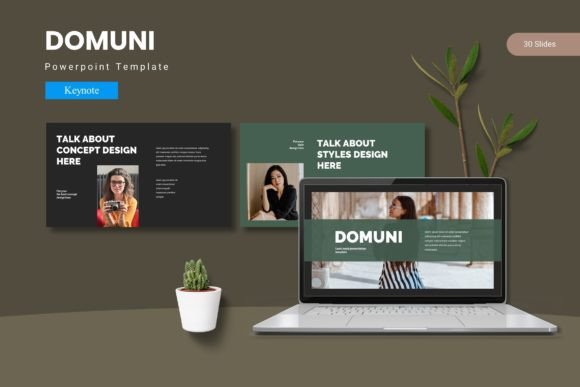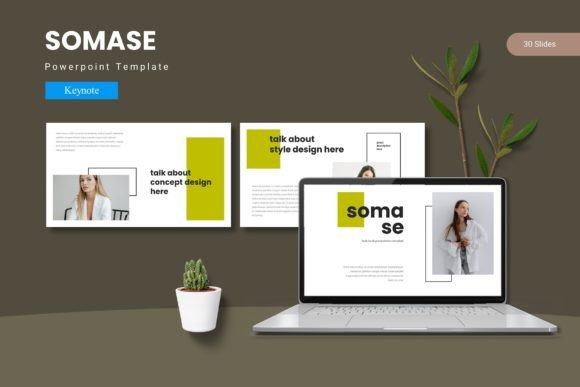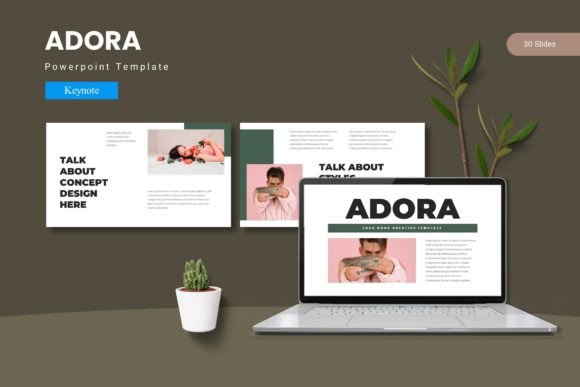
Anuros Keynote Template: Design with Impact
Creating a presentation that holds attention from first slide to last takes more than just good content—it demands a visual framework that supports your message without fighting for attention. The Anuros - Keynote Template delivers exactly that: a complete presentation toolkit built around cohesive design, smart structure, and flexible customization. Whether you're pitching a product, presenting annual results, or crafting a brand story, this template gives you a head start on visuals that feel intentional and polished.
What Makes the Anuros Keynote Template Stand Out
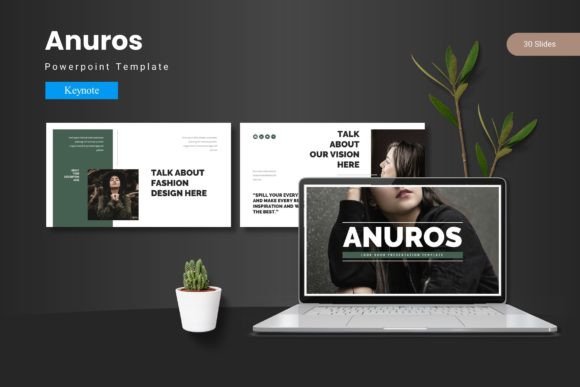
The first thing you notice about Anuros - Keynote Template is how it balances structure with breathing room. It leans modern without chasing trends—clean lines, spacious layouts, and a confident use of whitespace that lets your content breathe. The overall personality is professional but not cold, making it suitable for creative agencies, corporate teams, and independent consultants alike.
With 150 total slides spread across five premade color schemes, you're not locked into a single look. Each of the five color variations gives the same underlying design a completely different feel—one might lean bold and saturated, another muted and editorial. That's a practical advantage: you can keep the same layout structure across departments while adapting the palette to fit different brand identities or presentation tones.
Section break slides are included, which might sound minor until you realize how much they improve audience flow. A well-placed break slide signals a shift in topic and gives viewers a mental reset. Combined with handcrafted infographics and pixel-perfect illustrations, the template helps you maintain visual interest without needing to design from scratch every time.
Where the Anuros Template Shines Across Projects
This template isn't limited to one type of presentation. Its versatility comes from the range of slide types built into the 30-slide-per-collection format. You get gallery and portfolio slides, image placeholders for drag-and-drop photo insertion, and infographic layouts that work for data-driven stories.
For branding presentations, the clean serif and display font options (included in the design system) give a polished, established feel. You can pitch a brand identity with slides that already look like they belong to that brand—not generic placeholder templates. For marketing teams, the template's grid-based layouts make it easy to present campaign strategies, social media graphics mockups, or editorial design concepts without fighting alignment issues.
Small business owners and entrepreneurs will appreciate the time savings. You don't need to spend hours adjusting font sizes or repositioning elements—the master slides handle consistency. Whether you're building a pitch deck for investors or a product launch presentation, the Anuros - Keynote Template keeps each slide feeling connected to the next.
For editorial design and publishing-style presentations, the typographic hierarchy built into the template supports longer text blocks without looking cluttered. If you're presenting a portfolio, the gallery slides give visual work the attention it deserves. And for web design or packaging design presentations, the clean layouts let your screenshots and product shots take center stage.
How Design Influences Readability, Perception, and Engagement
The visual choices in a presentation directly affect how audiences absorb information. When you use the Anuros - Keynote Template, the built-in visual hierarchy guides the eye naturally. Headlines sit at a size and weight that commands attention without shouting. Body copy is readable at a distance, and the spacing between elements gives the viewer's eye time to rest between key points.
Brand perception also benefits from consistent design. A slide deck that uses the same color palette, type treatment, and layout system throughout signals professionalism and attention to detail. That's especially important for agencies pitching new clients or internal teams presenting to leadership. The template's five color schemes let you match your brand or choose a palette that evokes the right emotional tone—trust, innovation, warmth, or authority.
Audience engagement doesn't come from flashy animations. It comes from clarity. When your slides are easy to scan, your audience spends less time decoding the layout and more time focusing on your message. The Anuros - Keynote Template supports this with predictable patterns that don't force viewers to reorient themselves every few slides.
For consistency, the master slide structure means you can edit one element and have it apply across your entire deck. Change a headline font or adjust a color and every slide updates automatically. That's a time saver, but it's also a quality control measure—you avoid the common presentation pitfall of mismatched typography or misaligned elements.
Professionalism also comes through in the details. The pixel-perfect illustrations and resizable graphics maintain their quality whether you're presenting on a laptop screen or a wide projection. There's no visible pixelation or edge fuzziness that can undermine a polished impression.
Practical Guidance for Choosing and Using the Template
Before you download the Anuros - Keynote Template, consider where your presentation will live and who will see it. If you're presenting primarily on screen—whether that's a Zoom call, a conference room projector, or a downloaded PDF—the template's readability at various sizes is a strong asset. The included typeface styles (serif and sans serif options within the design system) pair well for both headlines and body copy, giving you contrast without clash.
For font pairing, the template already recommends combinations that work. Avoid the temptation to swap in too many outside fonts if you're not experienced with typeface pairing. The included options were chosen to support reading rhythm and visual hierarchy. If you do want to customize, stick to one serif and one sans serif—the template's layouts are built to handle that combination without breaking the grid.
Readability considerations: make sure your content doesn't overwhelm the slide. The template offers plenty of space, but if you pack every layout with dense text, you'll lose the breathing room that makes the design effective. Let the slides breathe. Use the infographic layouts for data, the portfolio slides for images, and the text slides for your key talking points.
If you're evaluating whether the Anuros - Keynote Template fits your project, look at the included slide types. The 30 slides per color scheme cover most presentation needs: title slides, content slides, section breaks, image-heavy layouts, and data visualization. If you're building something highly specialized—like a technical whitepaper in presentation form—you may need to adapt a few slides, but for 90% of business, creative, and marketing presentations, it's ready to go out of the box.
Commercial licensing is straightforward. The template includes a readme file with font and photo information, so you know exactly what's licensed for commercial use. Always check the specific terms for any fonts or images you add yourself. The template itself gives you full rights to use and modify the slides for commercial presentations.
Final Thoughts on Working with the Template
The Anuros - Keynote Template sits in a sweet spot: it's structured enough to give you a professional starting point, but flexible enough to let your content lead. For designers who want to spend more time on message and less on layout, it's a practical asset. For marketers and small business owners juggling multiple responsibilities, it removes the friction of building slides from scratch while keeping quality high.
If you're tired of presentations that look generic or that feel like they're fighting your message, this template deserves a look. Open it up, drop in your content, adjust the color to match your brand, and see how much stronger your deck looks when the design supports your story instead of distracting from it.